Filament Database: inspect before you edit.
Chase Miller, Crumbls package developer ·
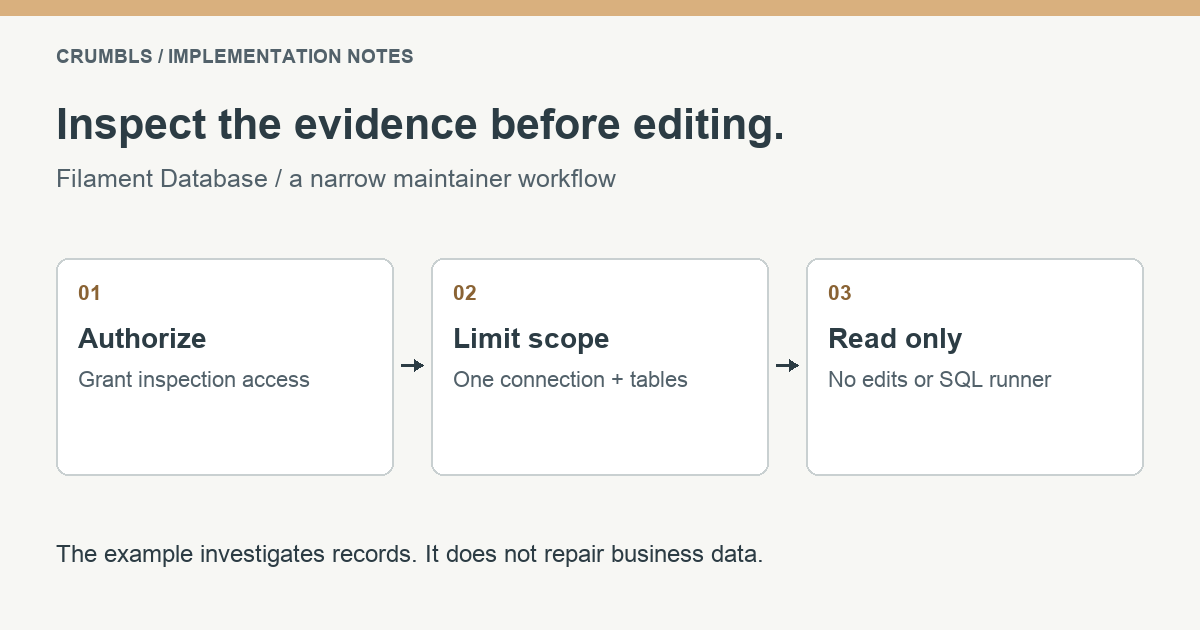
A support question rarely starts with “please edit this database row.” It starts with a missing record, an unexpected relationship, or a workflow that stopped halfway through. Filament Database can help a maintainer inspect the evidence inside the existing panel. Start with authorization, a limited connection, and a read-only interface before considering any data change.
This walkthrough targets an existing Laravel 12 or 13 application using PHP 8.3 or later and Filament 5. It follows package release 3.1.0. The example uses fictional products and inventory movements in a development or staging environment; it does not describe a client’s private database or production procedure.
Choose a narrow inspection scope
Decide what question the maintainer needs to answer before enabling a database browser. For example: a product exists, but the stock shown in the application differs from the team’s expectation. The first useful evidence may be the product record, related inventory movements, and their timestamps. It is not every user, token, billing, or session table in the database.
Use a sanitized development copy where possible. Choose one named Laravel connection and the specific tables needed for the investigation. A database-backed admin tool should not silently become access to every configured connection just because those credentials are available to the application.
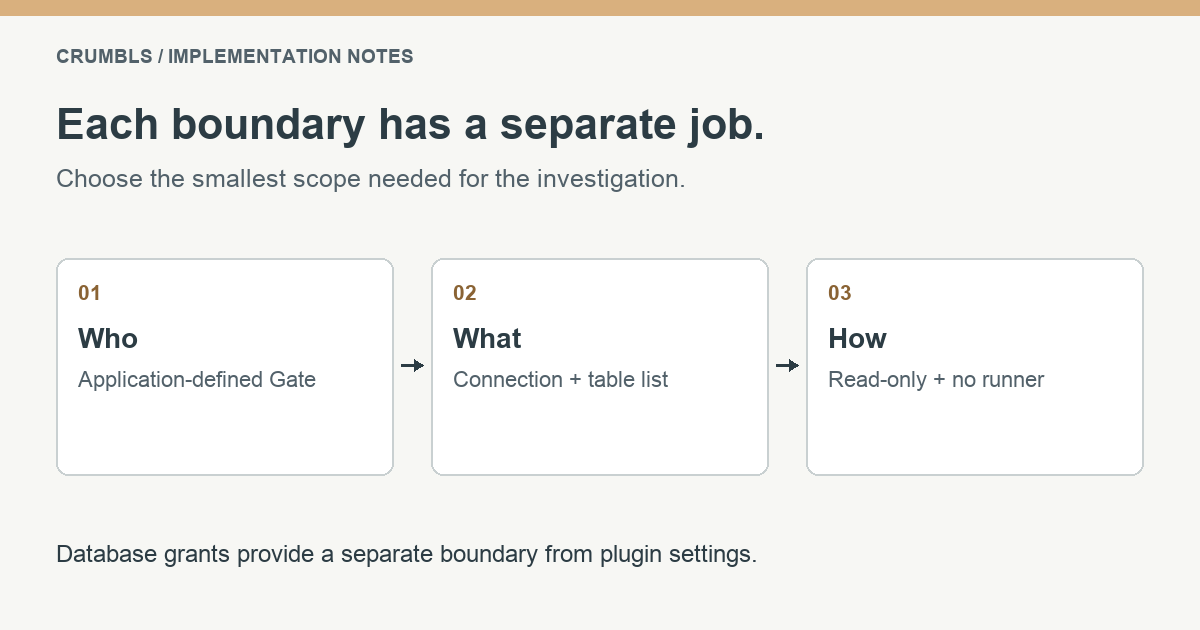
Keep the distinction between a maintainer and an ordinary panel user explicit. A person who can manage product descriptions does not necessarily need to inspect arbitrary data. The permission in this tutorial is an example of an application-defined capability, not a role or column supplied automatically by the package.
Install and restrict access explicitly
Install the package through the project’s normal dependency workflow. Review and commit the resulting lockfile so development and deployment use the same version. Run your existing application checks after the dependency change; this tutorial does not require changing the website that hosts it.
composer require crumbls/filament-database:^3.1Define a Gate in your application’s authorization setup. The following illustrative policy expects a boolean can_inspect_database attribute on your user model. Replace that condition with your existing permission system if you do not have such a field. Do not create a permission that simply returns true for every authenticated user.
use App\Models\User;
use Illuminate\Support\Facades\Gate;

Gate::define('inspect-database', function (User $user): bool {
    return (bool) $user->can_inspect_database;
});
Now add the plugin to the relevant panel provider’s existing plugin list. In this example, catalog_inspection must already be a configured connection in config/database.php. Replace the table names with the small set your investigation actually needs.
use Crumbls\FilamentDatabase\FilamentDatabasePlugin;

// In the existing panel provider's plugins array:
FilamentDatabasePlugin::make()
    ->authorizeUsing('inspect-database')
    ->connections(['catalog_inspection'])
    ->defaultConnection('catalog_inspection')
    ->showOnlyTables(['products', 'inventory_movements'])
    ->readOnly()
    ->preventDestructive()
    ->disableQueryRunner()
    ->rowsPerPage(25),
The connection allowlist and default connection are both intentional. Choosing a default does not replace the allowlist. The current package defaults deny access, use no allowed connections, enable read-only mode, and disable the query runner. Explicit configuration documents the intended use and protects it from unrelated configuration changes.
Use database credentials restricted to the required read operations where your database and deployment support that separation. Plugin settings control the package interface; database grants provide a separate boundary. They should support the same intended access rather than relying on one switch to stand in for all the others.
Investigate one workflow without changing records
Open the configured panel as a user who has the inspection permission. Select the allowed connection and find a disposable product with a known identifier. Read the product record, inspect the relevant column definitions, and follow the related inventory records using their actual foreign-key values.
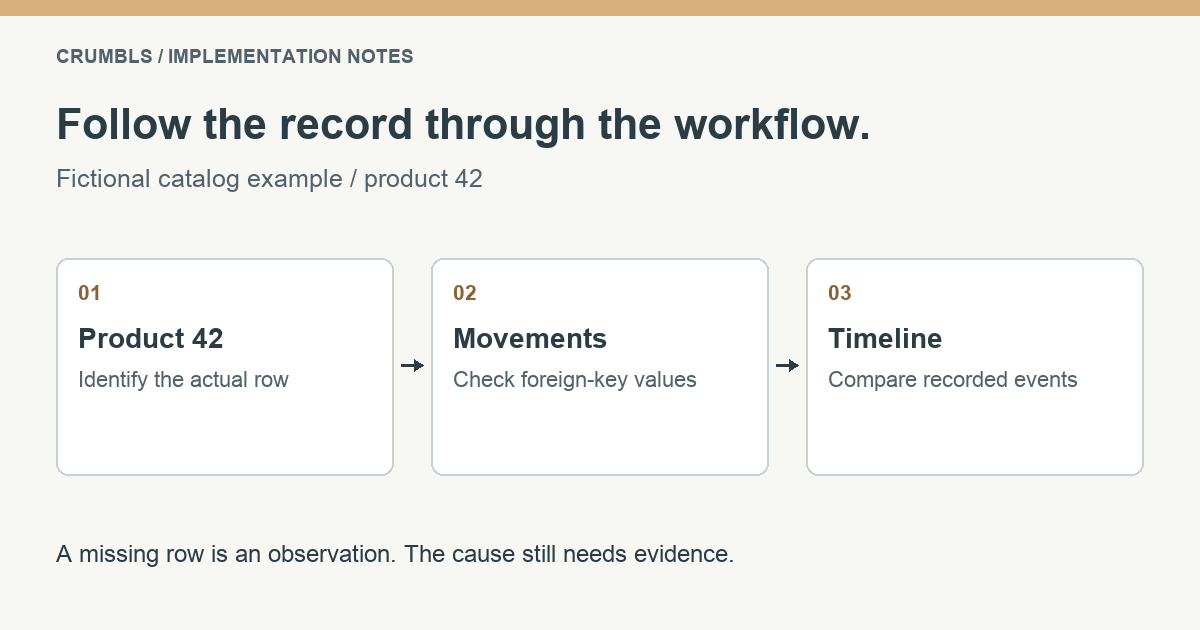
Suppose the reported issue concerns product 42. Check whether the related movement rows reference product 42, whether their timestamps match the event being investigated, and whether the values have the meaning the application expects. A stored number alone does not establish the business meaning of that field. Check the model, query, or service that reads it.
Separate observations from conclusions. “The expected movement row is absent” is an observation. “The import never ran” is a hypothesis that needs job history or logs to support it. This makes the investigation useful even when the cause is outside the database, such as an interrupted integration or a validation error earlier in the workflow.
Record the relevant identifiers and a short explanation in your normal internal issue process, following your data-handling rules. Avoid copying full customer rows into screenshots or external tools. If a correction is needed, decide how to perform it through a validated application workflow or a reviewed repair process, with an appropriate rollback plan.
Understand what these settings do not replace
Read-only access still exposes information. Choose visible tables carefully and verify how the package behaves in your exact deployment. Database inspection does not inherit every business-level rule simply because it sits inside the same Filament panel. In particular, do not assume ordinary Eloquent policies or tenant scoping restrict direct database browsing in the same way they restrict your application resources.
The SQL runner is disabled deliberately. A table allowlist is not a general SQL authorization system; the package also disables the runner when table visibility restrictions are configured. Do not re-enable it just to make one investigation more convenient without reviewing the broader access that would create.
Read-only browsing also does not make an arbitrarily expensive query cheap, replace backups, or create a complete audit trail. Keep pagination bounded and use your normal operational monitoring. If you later enable query logging, assess what query text could contain and who can read those logs. Those are separate deployment decisions.
Verify both allowed and denied behavior
Test with two accounts: a maintainer granted the capability and an ordinary panel user without it. The first should be able to inspect only the intended connection and tables. The second should be denied access, including when attempting to visit the tool’s page directly. A hidden navigation link is not enough evidence.
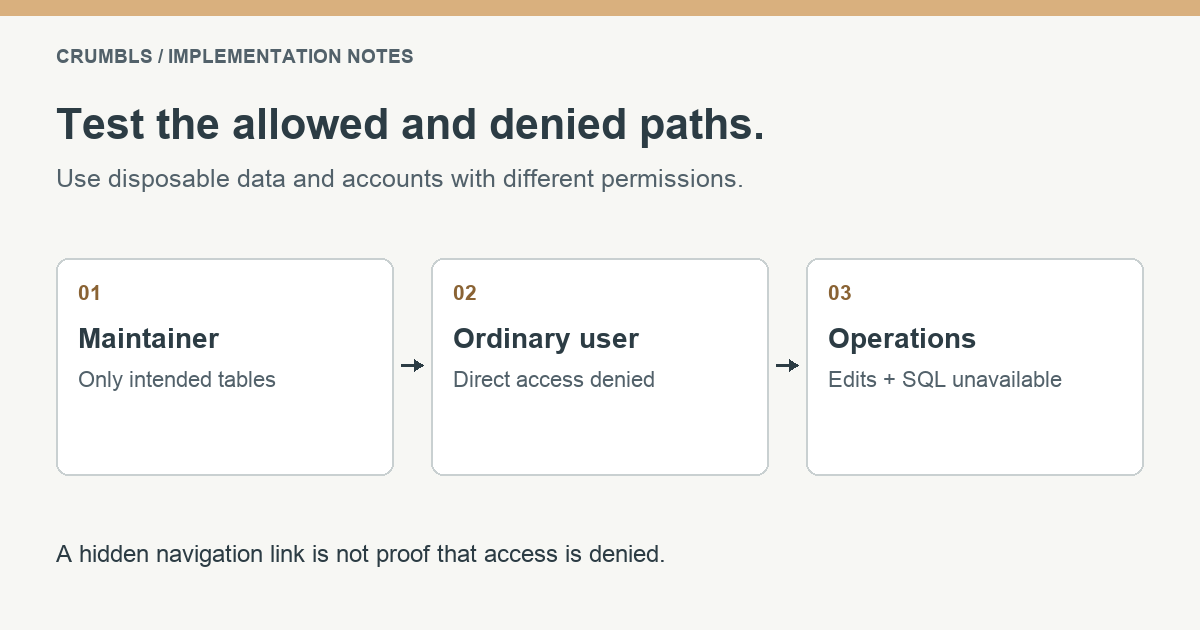
Using disposable data, confirm that row edits and destructive operations cannot be performed, the query runner is unavailable, and an excluded connection cannot be selected. Repeat these checks after changing permissions, upgrading the package, or modifying the panel registration. Do not test destructive behavior against business records.
Compare your setup with the release’s plugin implementation and configuration defaults. Use the generated documentation for the wider API. For a concrete model-and-form example, continue with reusable product images in Filament Media Library.
Frequently asked questions
Does read-only mean anyone in the panel can browse?
No. Authorization is a separate decision. The example requires an application-defined Gate, and users who do not have that permission must be denied access.
Why disable the SQL runner if the plugin is read-only?
The example needs only table and schema inspection. Disabling unused features keeps the interface narrower and avoids creating a second way to query beyond the intended table workflow.
Can this replace an application-specific admin resource?
It serves a different purpose. A database browser is a maintainer tool; routine business operations belong in resources that enforce the application’s own policies, validation, and workflow rules.
Where to go next
Both examples belong in a working application with clear data ownership and permissions. Read the other tutorial, explore Laravel development at Crumbls, or see how we approach existing PHP applications.
If the integration is part of a larger workflow, tell us what your application needs to do. A specific example is the most useful place to start.